Many organizations deal with multiple locations, different versions of marketing materials, and processes that are not well aligned.
With a Brand Portal:
Manage all your print and marketing materials in one Brand Portal. Centralize brand guidelines, users, budgets and ordering workflows, while local teams personalize and order materials independently.
Many organizations deal with multiple locations, different versions of marketing materials, and processes that are not well aligned.
With a Brand Portal:
A Brand Portal enables organizations to manage, personalize and order marketing materials and print products from one central platform.
Teams work independently with approved materials and brand templates, while marketing retains control over user permissions and workflows.
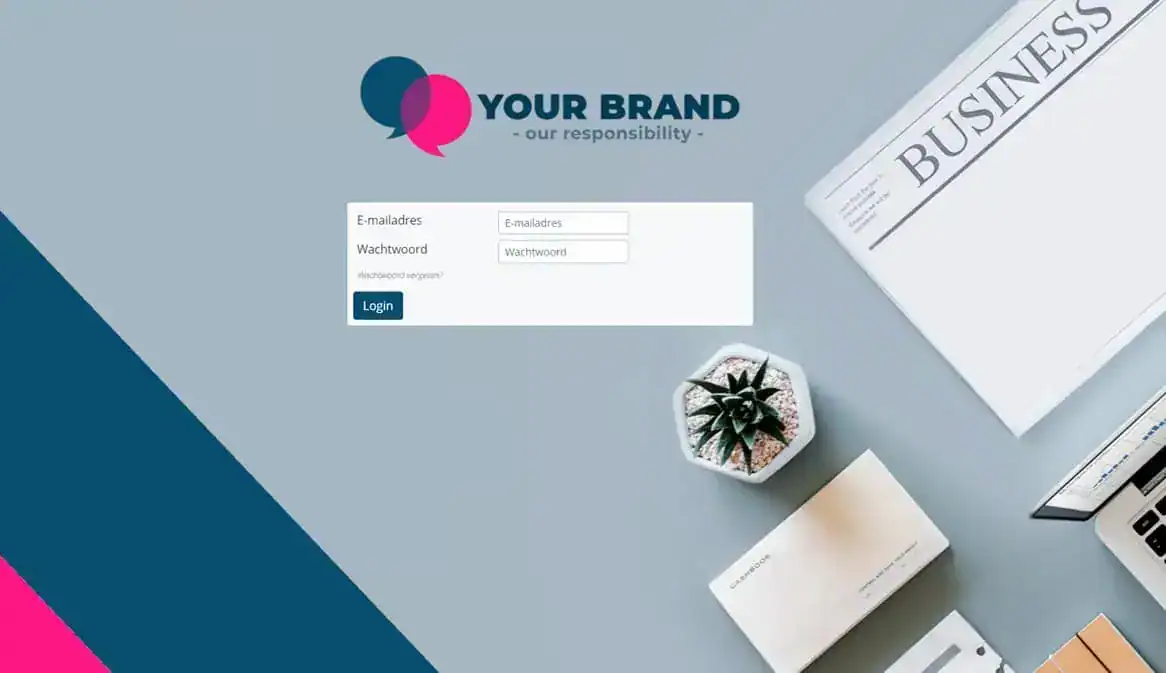
Manage users and workflows from one central platform, ensuring everyone follows the same process.
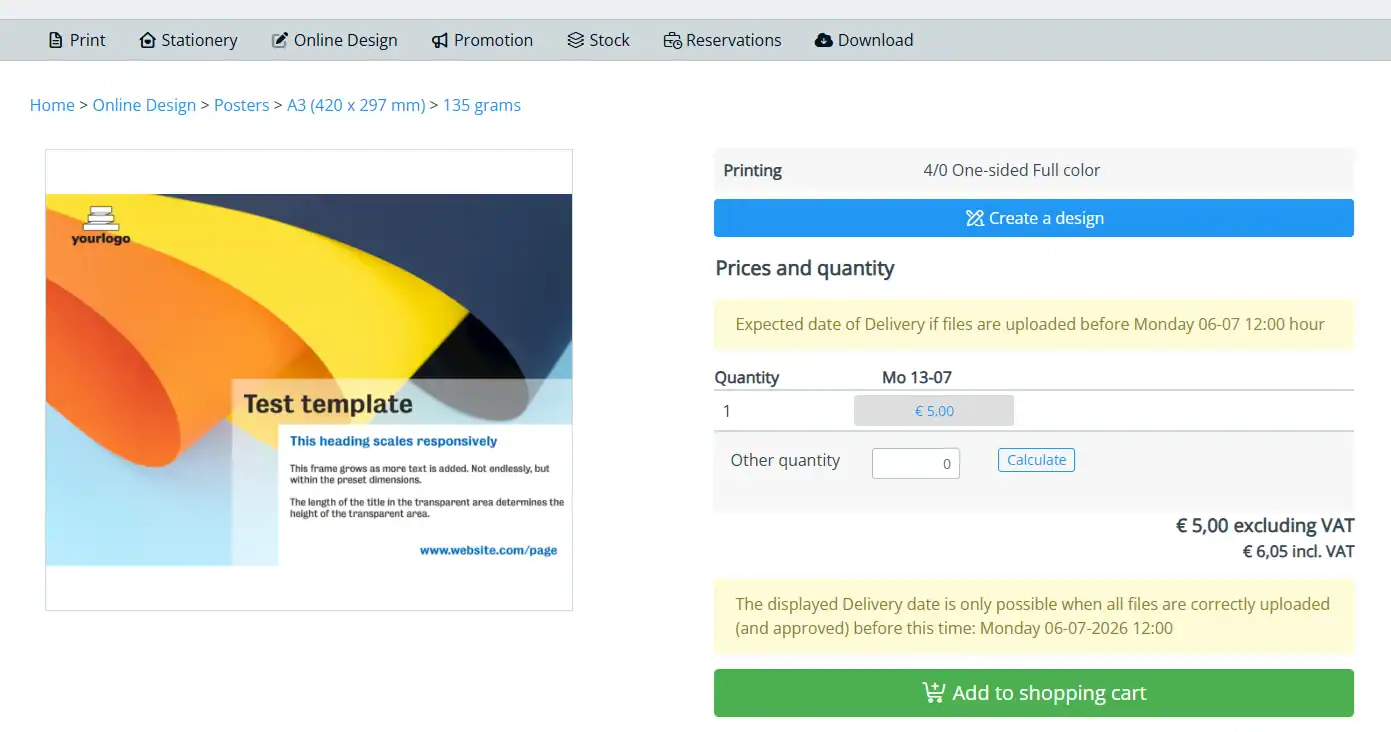
Teams personalize materials within templates. Fixed brand elements ensure consistent communication.
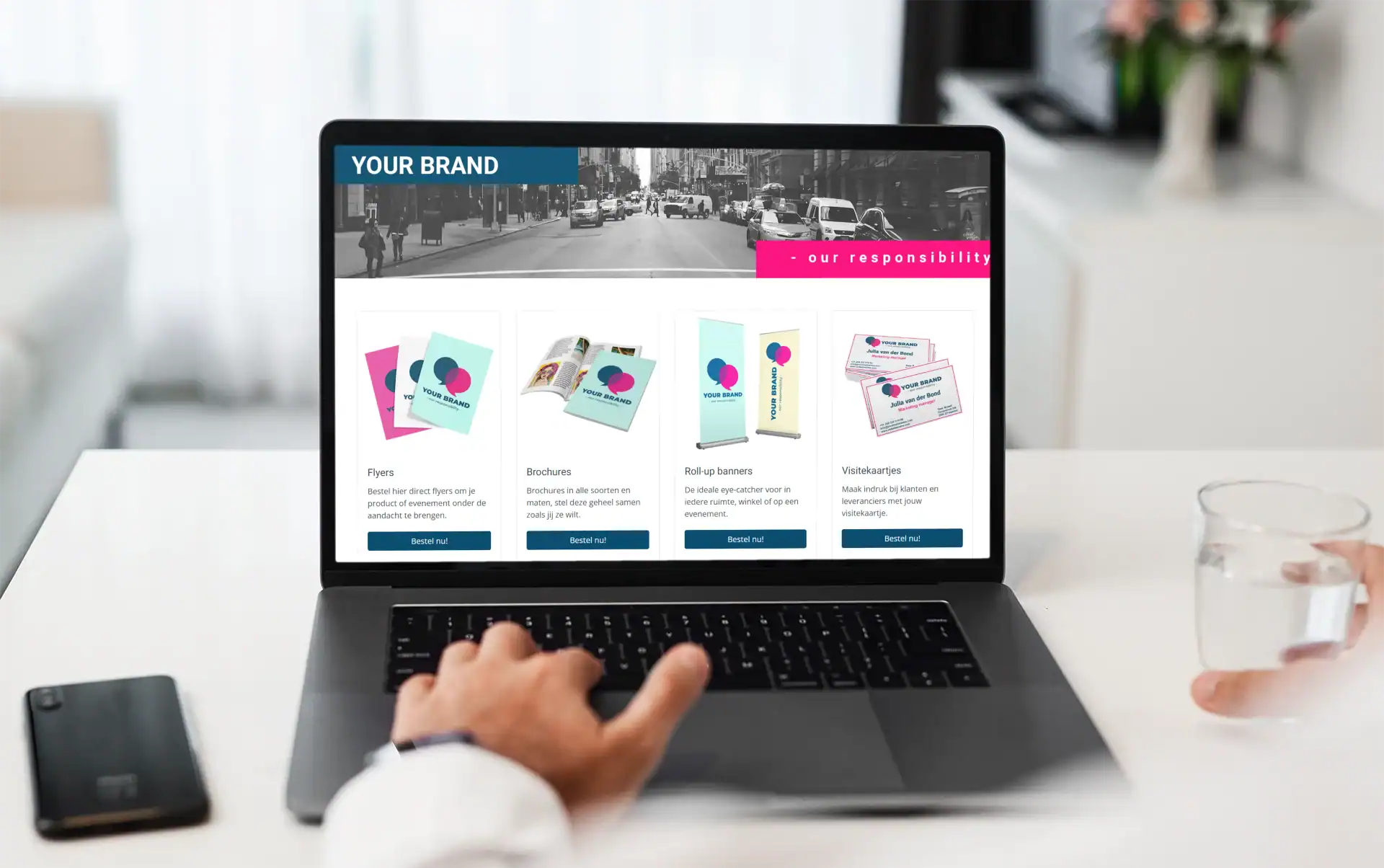
Users order print and marketing materials through their own portal, connected to a central workflow.
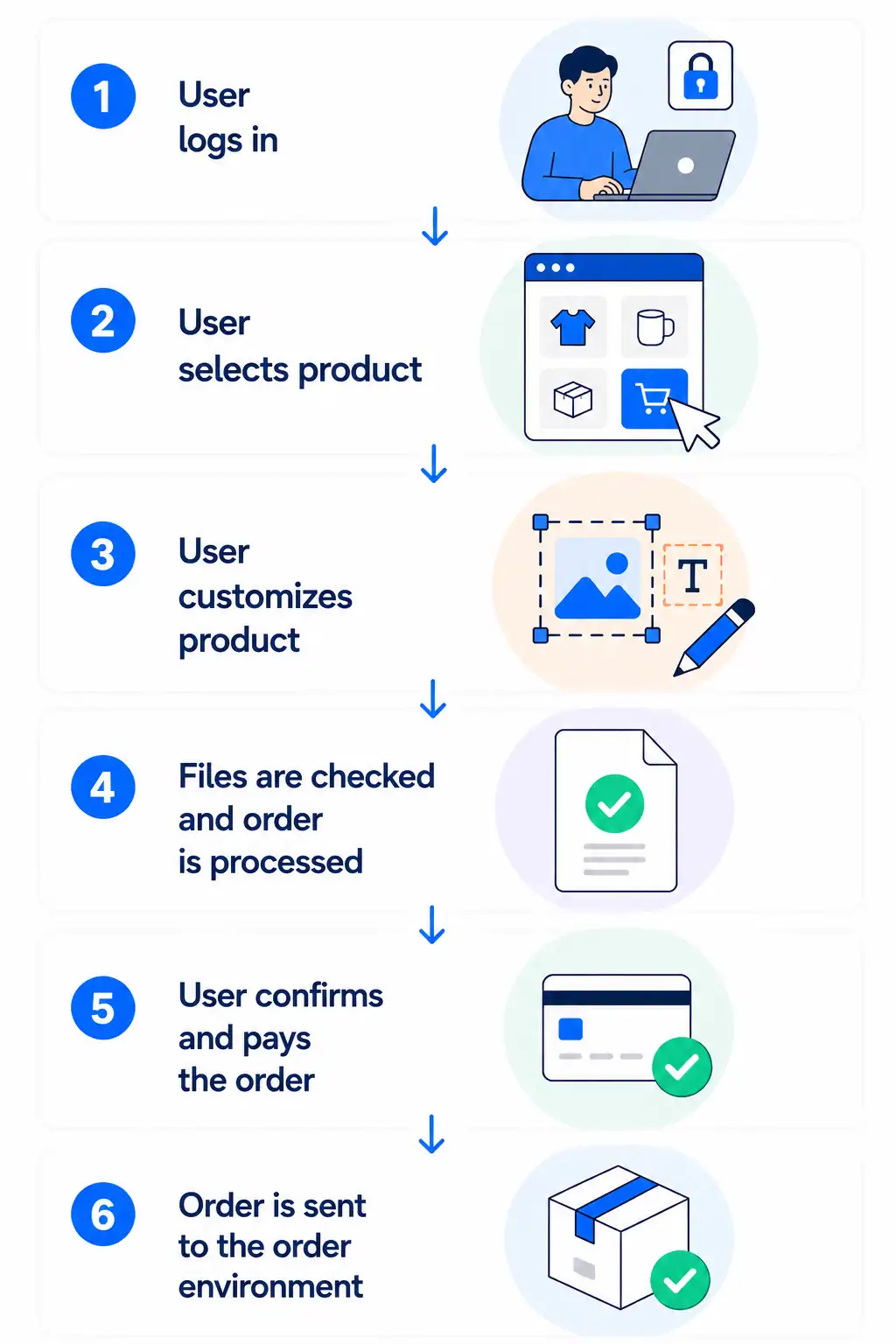
From design to ordering: streamline every step in one central
Brand Portal. Users log in, customize designs, and place orders
directly — always within predefined templates and permissions.
For example:
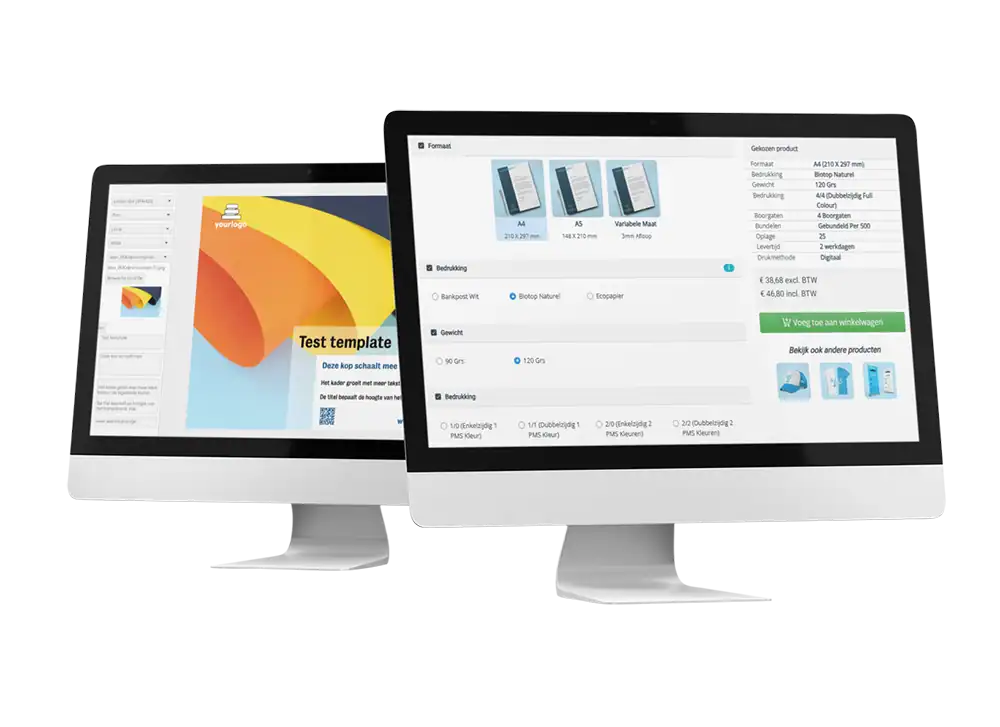
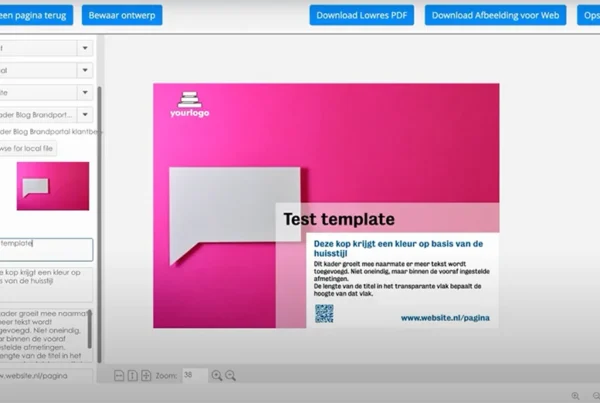
See how teams customize and order marketing materials independently within predefined brand templates and workflows.
Here’s a quick look inside the platform.
A Brand Portal supports more than just editing and ordering marketing materials.
It helps organizations manage communication processes from one central platform.
Choose the functionalities that fit your organization.
Assign budget limits per user.
Manage files and templates from one central location.
Customize materials in a brand-compliant editor.
Connect with your ERP and business systems.
Automatiseer je orderverwerking.
Gain insight into usage, orders and inventory.
One login, direct access to all your systems.
Control access and actions per user.
Organizations across different industries use a Brand Portal to manage communication, print materials, and workflows from one central platform.
Manage campaigns, materials, and local marketing across franchise locations.
Franchise exampleCentralize communication workflows, approvals, and brand management across departments.
Government case studyManage local campaigns, POS materials, and approval workflows across retail locations.
Retail case studyManage local campaigns, POS materials, and approval workflows across retail locations.
Healthcare case studyDAM systems and brand portals increasingly offer comparable functionality.
The difference mainly lies in the role the platform plays within the organisation.
DAM | Standard brand portal | Prindustry Brandportal | |
|---|---|---|---|
| Focus | Manage, store and share files centrally | Managing, personalising and distributing brand communications | Managing, personalising and ordering brand communications |
| Brand guidelines | Limited | Yes | Yes |
| Print and ordering processes | No | Yes, via separate connections to specific print shops | Yes, from personalisation to ordering and order processing in one process, including automated file checks |
| Own product catalogue | No | Limited | Yes, link your own product catalogue to the ordering process |
| Print production & suppliers | No | Yes, via pre-integrated print partners | Yes, via an independent marketplace with real-time pricing, volume discounts and lead times from multiple producers |
| Quotes & invoicing | No | Limited | Yes, automatic price calculation including margins, quotes and invoicing |
| Approvals & workflows | Limited | Yes | Yes, set up ordering processes with approval flows, permissions and budgets |
| Asset management | Yes | Yes | Yes, via the Media Manager |
| Integrations with business systems | Limited | Yes | Yes |
Swipe sideways to see all columns →
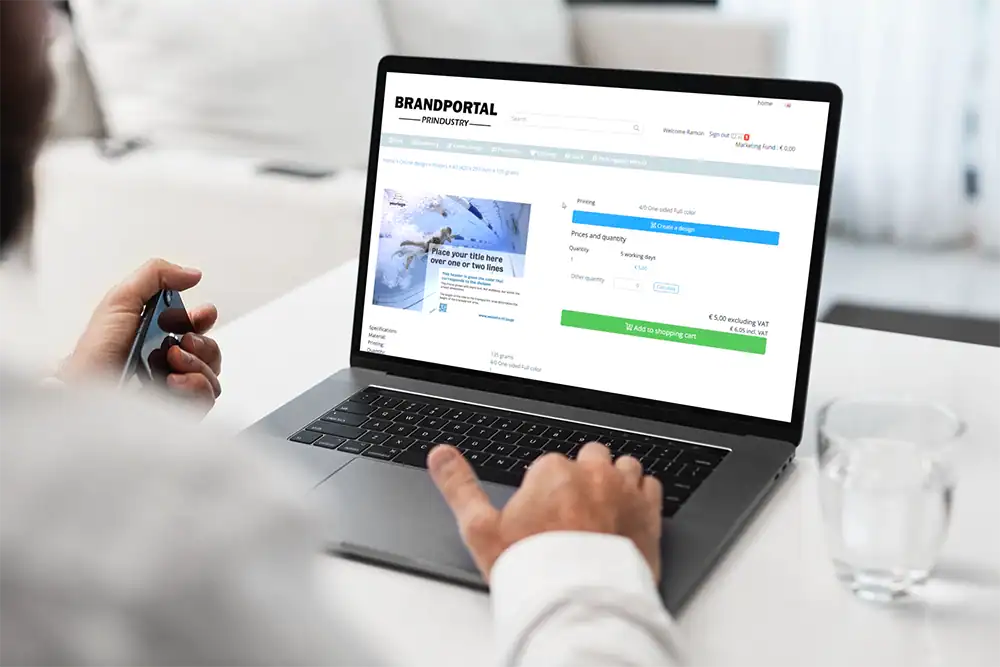
A Brand Portal is an online platform that enables organizations to centrally manage, personalize, order and distribute communication materials to employees, locations or partners. It combines brand management, templates, user permissions and ordering workflows in one environment.
As a result, users always work with the latest materials and brand communication remains consistent across the entire organization.
A Brand Portal saves time and reduces costs by bringing communication materials, user management, ordering processes and workflows together in one online platform. Employees have direct access to approved templates and materials and can edit, download or order them independently.
This reduces manual requests, approval rounds and administrative tasks. By automating processes such as brand management, ordering and approvals, organizations shorten turnaround times, reduce errors and prevent unnecessary waste of outdated materials. At the same time, headquarters maintains control while local teams can work independently within predefined guidelines.
A Brand Portal is commonly used by organizations with multiple locations, departments or users who need access to communication materials. Typical examples include retailers, franchise organizations, healthcare providers, government agencies and educational institutions.
With a Brand Portal, headquarters manages brand assets, templates and communication materials centrally, while local users can create, order and use materials within approved brand guidelines. User permissions, roles and available materials can be configured per location, department or user.
A Brand Portal helps maintain brand consistency by centrally managing communication materials, templates and brand assets. Users always have access to the latest versions of logos, colors, templates, images and documents.
Employees can customize materials within predefined brand guidelines, ensuring that all communications remain consistent regardless of location, department or user.
A Brand Portal can manage both printed and digital communication materials. Examples include flyers, brochures, posters, business cards, point-of-sale materials, presentations, social media graphics, banners and other marketing assets.
All files are stored and managed centrally within one platform for brand management, communication and ordering processes.
A Digital Asset Management (DAM) system is designed to store, organize and share digital files. A Brand Portal goes beyond file management by adding brand management, templates, user permissions and workflow automation.
The Prindustry Brand Portal extends these capabilities with integrated web-to-print functionality. Users can not only manage communication materials, but also personalize, order and automatically produce printed materials. This creates a single platform for brand management, communication and print procurement.
A Brand Portal can be integrated with systems such as ERP software, accounting software, CRM systems, DAM systems, Single Sign-On (SSO) solutions, supplier platforms and other business applications.
These integrations ensure that communication, ordering and management processes connect seamlessly with existing workflows across the organization.
Implementing a Brand Portal typically involves configuring users, communication materials, templates, workflows and system integrations. Depending on the required functionality, integrations and setup, a Brand Portal can often be implemented within a few weeks.
Once implemented, users work from one central environment for brand management, communication and ordering processes.
Learn more about brand management, communication workflows, and real-world examples.

Book a demo and discover how your organization can manage communication materials, templates, and ordering workflows from one centralized platform.

© 2026 Prindustry | Software Brand Portals and Webshops | We love to connect.