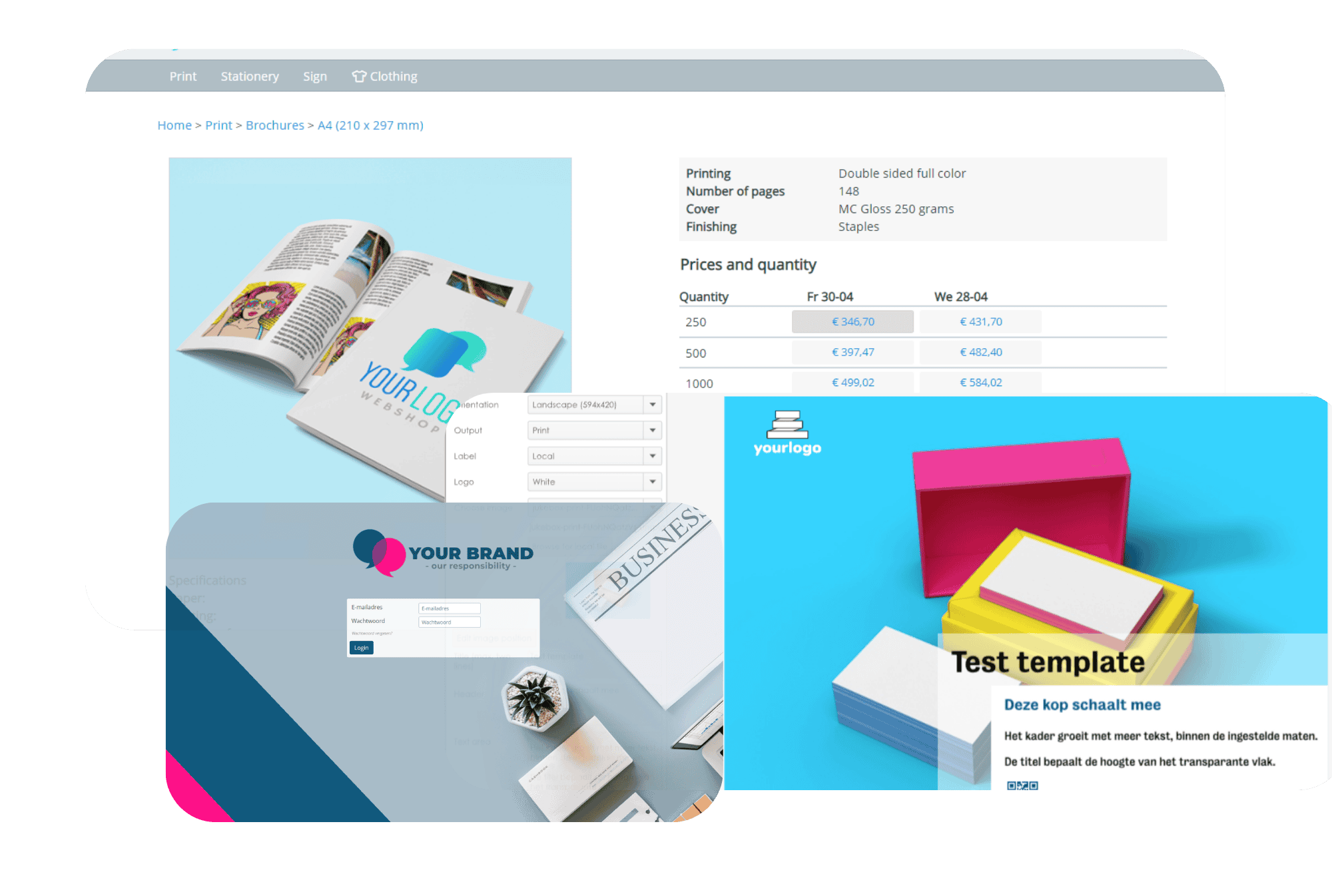
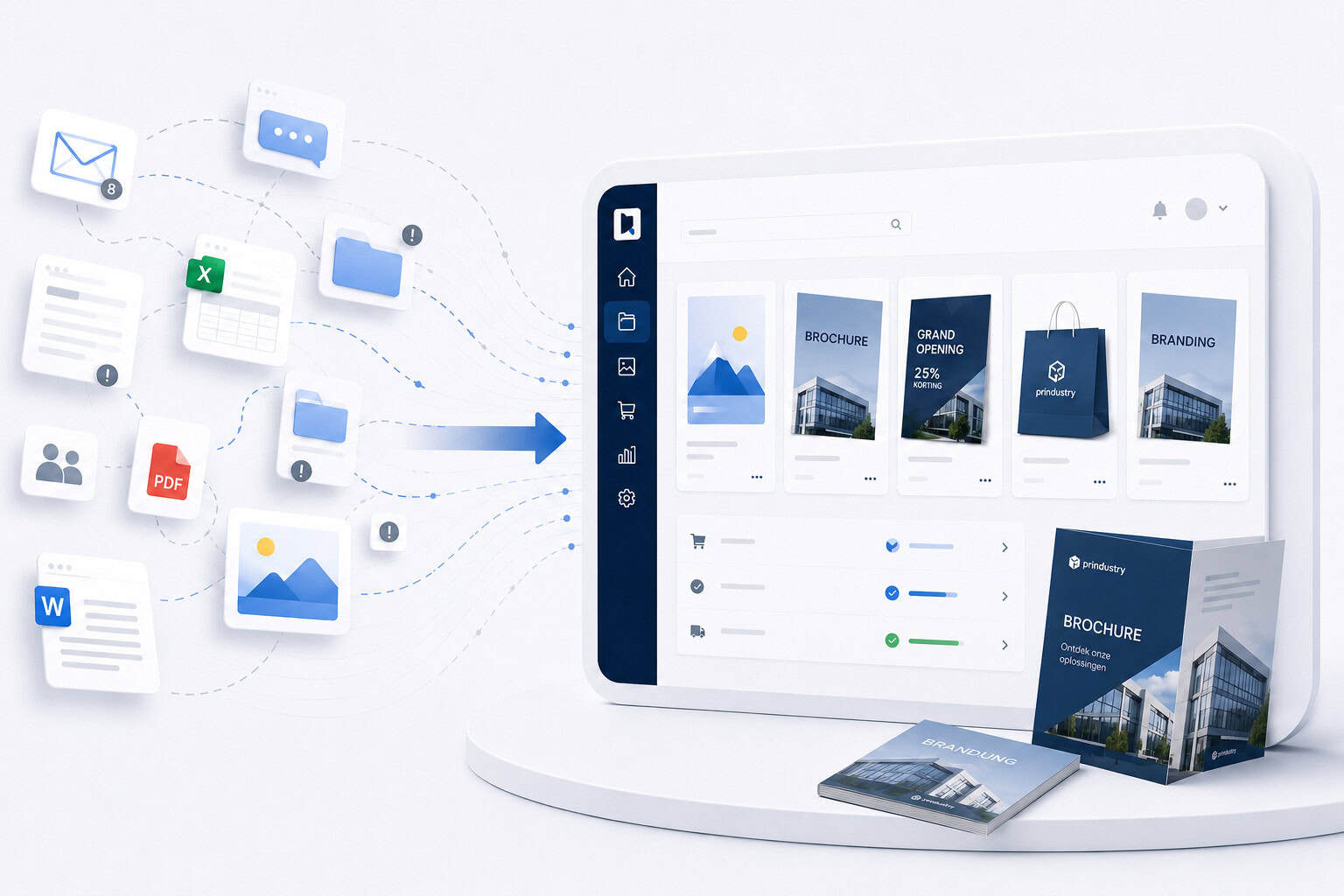
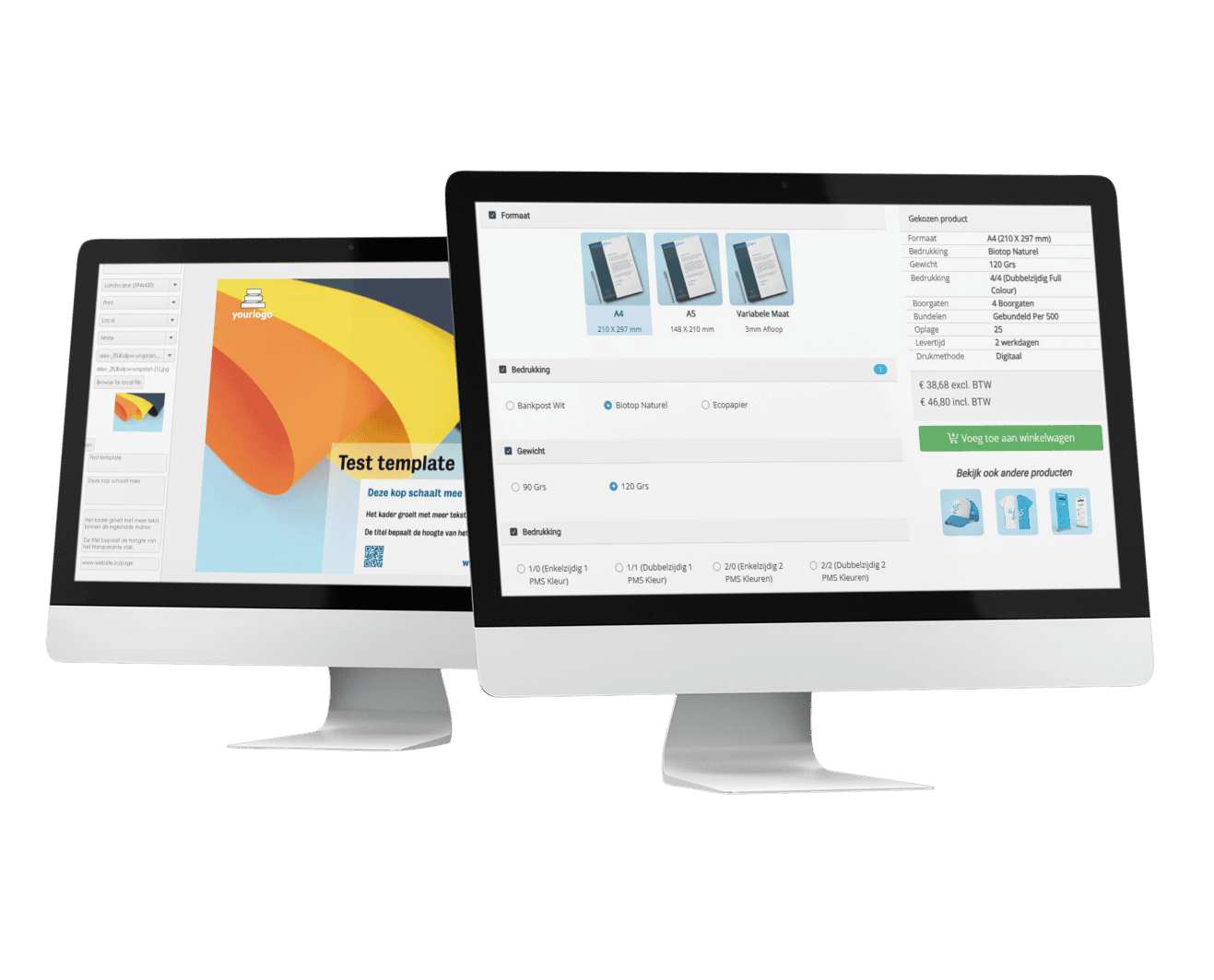
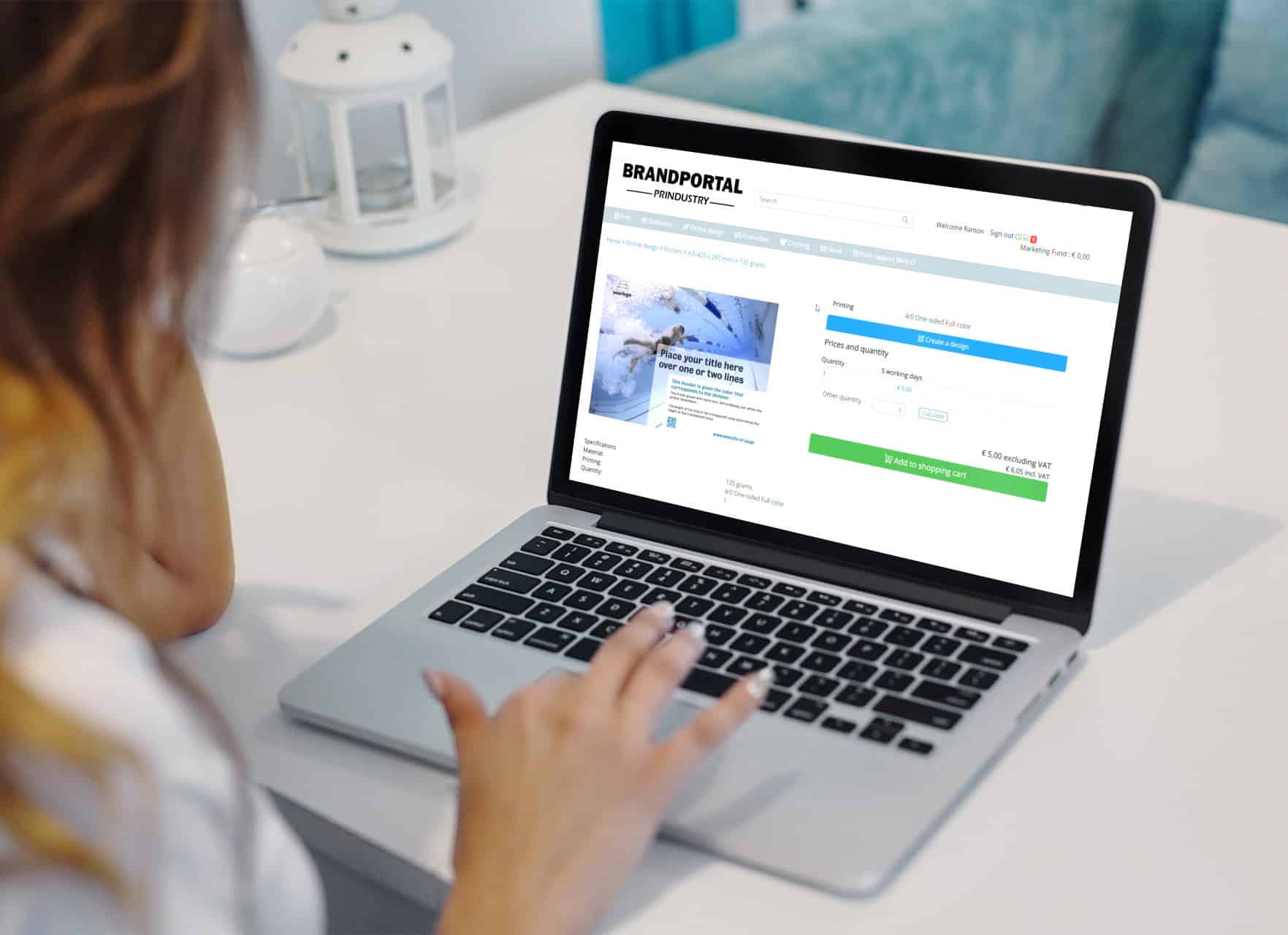
From design to ordering: streamline every step in one central
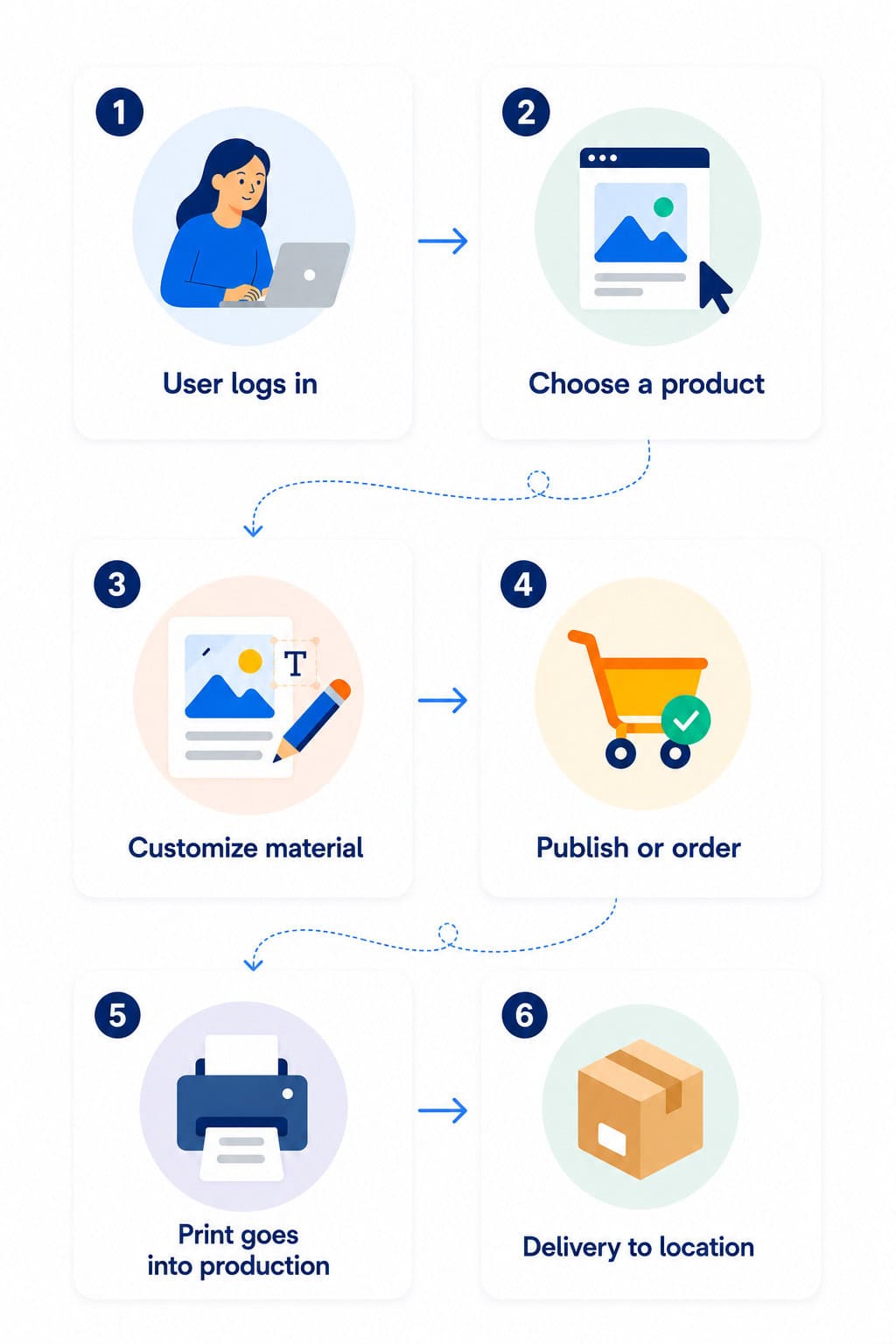
Brand Portal. Users log in, customize designs, and place orders
directly — always within predefined templates and permissions.
For example:
Create flyers for local promotions
Update posters with new dates or images
Personalize social media visuals
Edit business cards and brochures
Order print products through fixed workflows
Inside the Prindustry Brand Portal
See how teams customize and order marketing materials independently within predefined brand templates and workflows.
Here’s a quick look inside the platform.
How it works
1
Headquarters sets the foundation
Templates, workflows, and permissions are managed centrally.
2
Teams customize materials
Users personalize flyers, posters, and other marketing content within fixed templates.
3
Orders are processed automatically
Print is ordered directly through connected suppliers and automated workflows.
4
Marketing stays in control
Get insight into usage, budgets, orders, and local communication activities.
Brand Portal software is especially valuable for multi-location organizations and companies working with distributed teams, local marketing workflows, or decentralized communication processes.
Examples include retail organizations, franchise businesses, healthcare providers, government organizations, and companies managing large volumes of marketing materials and approval workflows.
A Brand Portal helps organizations centralize brand management while allowing local teams to work independently within fixed brand guidelines.
Yes. Teams can customize communication materials such as flyers, posters, business cards, and social media visuals within fixed templates. Print and digital materials can then be ordered directly through predefined workflows.
With a Brand Portal, teams always work with up-to-date templates, communication materials, and files managed centrally by headquarters.
This supports brand consistency across locations, distributed teams, and local marketing activities while maintaining control over templates, permissions, and approval workflows.
A Brand Portal can be used to manage flyers, brochures, posters, POS materials, business cards, social media visuals, presentations, and other communication materials. Both print and digital assets can be managed centrally within one platform.
The platform supports centralized brand management for both print and digital communication materials.
Yes. User permissions, approval workflows, budgets, and available materials can be configured per location, department, or user.
This allows organizations to maintain centralized control while enabling local marketing teams to work independently within predefined brand guidelines.
The Brand Portal can be integrated with existing systems such as ERP software, accounting software, Single Sign-On (SSO), supplier platforms, and other business systems. This allows the platform to fit seamlessly into existing workflows and processes.
A DAM system helps organizations centrally manage, store, and share files. A Brand Portal adds brand management and fixed templates to this process. The Prindustry Brand Portal combines file management, brand management, and print ordering workflows within one platform.
A Brand Portal can often be implemented within a few weeks, depending on the required modules and configuration. The platform is tailored to the organization, workflows, and communication materials, allowing teams to work independently within predefined processes and brand guidelines.
Templates, user permissions, ordering workflows, and system integrations are configured centrally. Throughout the implementation process, organizations are guided step by step — from setup and training to launch and ongoing support.
Yes. The Brand Portal works on desktop, tablet, and mobile devices. Users can view, customize, and order communication materials from different devices, making the platform easily accessible on location or while working on the go.
Insights and practical examples
Learn more about brand management, communication workflows, and real-world examples.
Folders, posters, banners, business cards... The stream of brand assets is endless. Especially when you're working with multiple teams, brands or locations. So how do…
You work with a lot of content—images, videos, templates, technical files. You want to find them quickly, organize them smartly, and share them securely with…
Childcare organizations deal with daily challenges in managing brand communication across multiple locations. From posters about healthy eating to window stickers for open days, there's…
Discover how the Brand Portal works for your organization
Book a demo and discover how your organization can manage communication materials, templates, and ordering workflows from one centralized platform.
This website uses cookies to improve your experience while you navigate through the website. Out of these, the cookies that are categorized as necessary are stored on your browser as they are essential for the working of basic functionalities of the website. We also use third-party cookies that help us analyze and understand how you use this website. These cookies will be stored in your browser only with your consent. You also have the option to opt-out of these cookies. But opting out of some of these cookies may affect your browsing experience.
Necessary cookies are absolutely essential for the website to function properly. These cookies ensure basic functionalities and security features of the website, anonymously.
Functional cookies help to perform certain functionalities like sharing the content of the website on social media platforms, collect feedbacks, and other third-party features.
Performance cookies are used to understand and analyze the key performance indexes of the website which helps in delivering a better user experience for the visitors.
Analytical cookies are used to understand how visitors interact with the website. These cookies help provide information on metrics the number of visitors, bounce rate, traffic source, etc.
Advertisement cookies are used to provide visitors with relevant ads and marketing campaigns. These cookies track visitors across websites and collect information to provide customized ads.