Use case: brand owners and marketers

Keeping brand materials
consistent

Bestelportaal Online Web2Print Software Prindustry Huisstijl

Why a brand guide alone isn't enough

A brand guide, on paper or as a PDF, is useful for writing down the rules, but it doesn’t prevent any of this. The moment someone opens Canva or Word, things can drift off-brand, not out of carelessness, but because the right files, colors, or templates just aren’t at hand.

And as long as employees have to come to marketing for every question, edit, or order, keeping everything on-brand eats up your time. What you actually need isn’t just a rulebook. You need those rules built directly into how people create and order materials.

What gives you back control

A shared folder for brand assets doesn’t fix this. Colleagues can still edit anything in there, including the logo, colors, and layout that are supposed to stay fixed.

What you need is one central environment where brand elements are locked, and colleagues can only edit what they’re allowed to. At the same time, they find the right materials there and can personalize and order it directly.

That’s how you stay in control of your brand and the process, without every request landing on marketing’s desk. And as your organization grows, the same setup scales right along with it.

The Brandportal, built for brand consistency

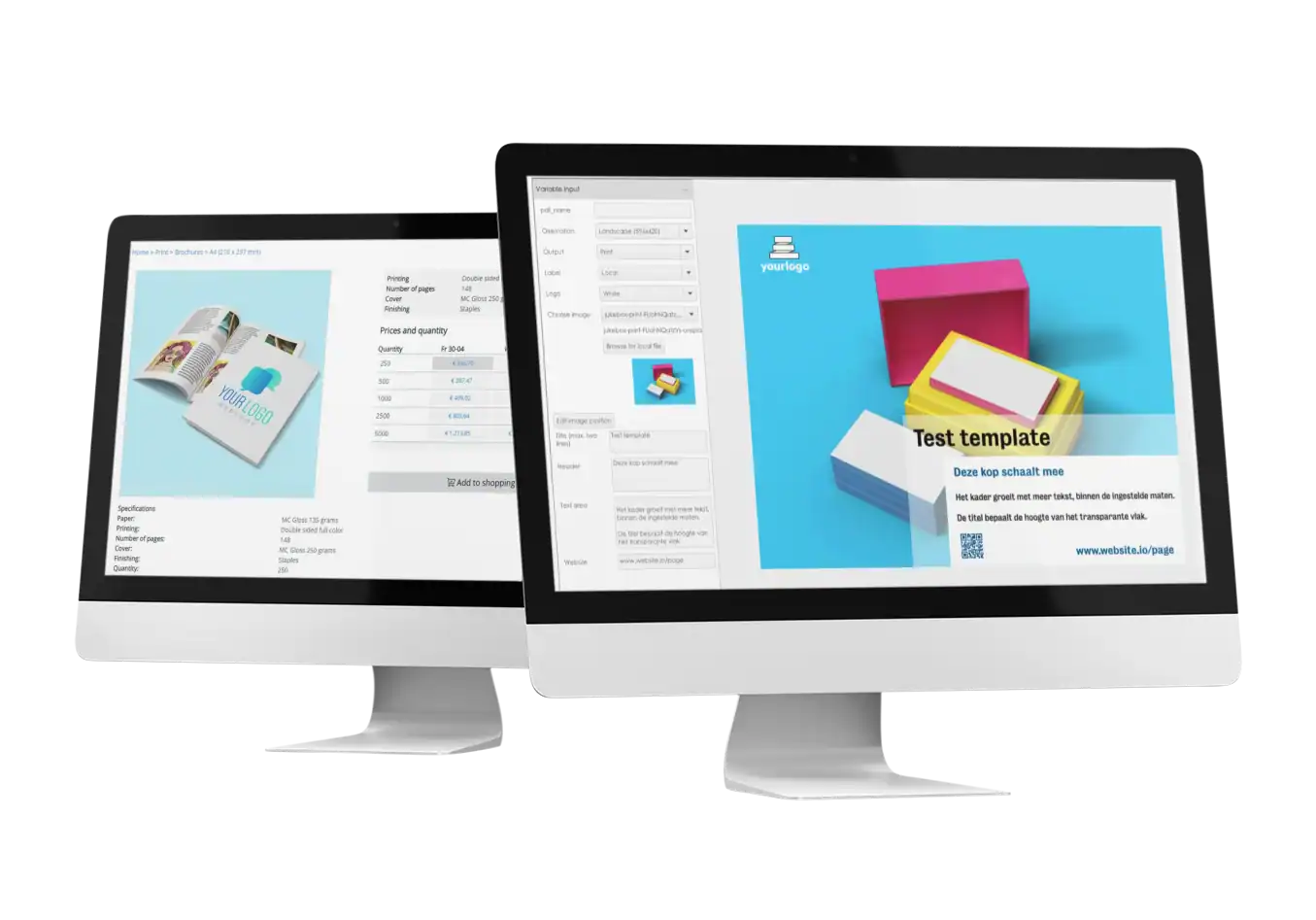
In the Brandportal, marketing or head office sets up templates centrally. For each product, you lock the fixed brand elements, things like the logo, colors, and layout. Only the parts that are meant to vary, like text, an image, or a date, stay editable.

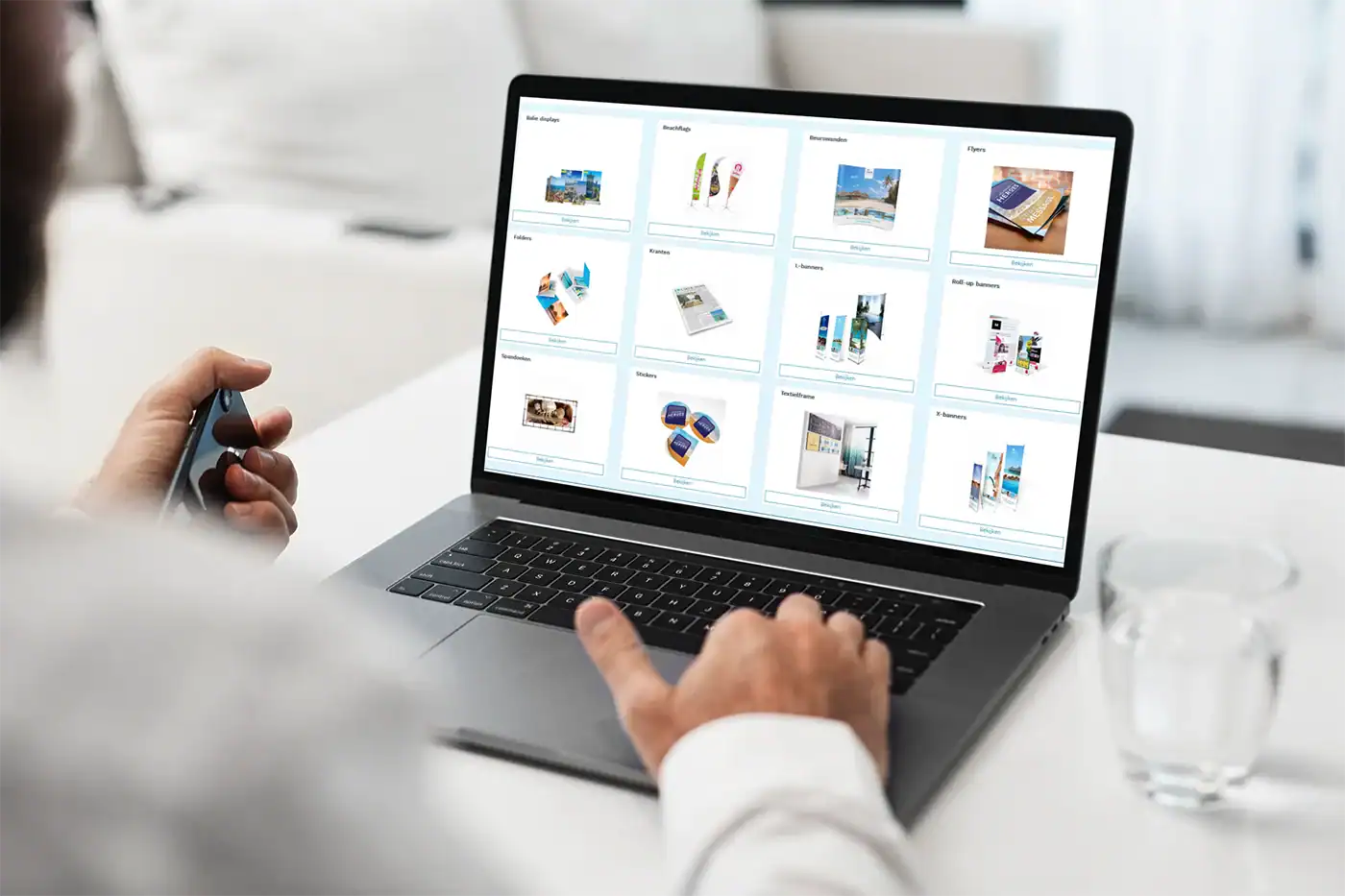
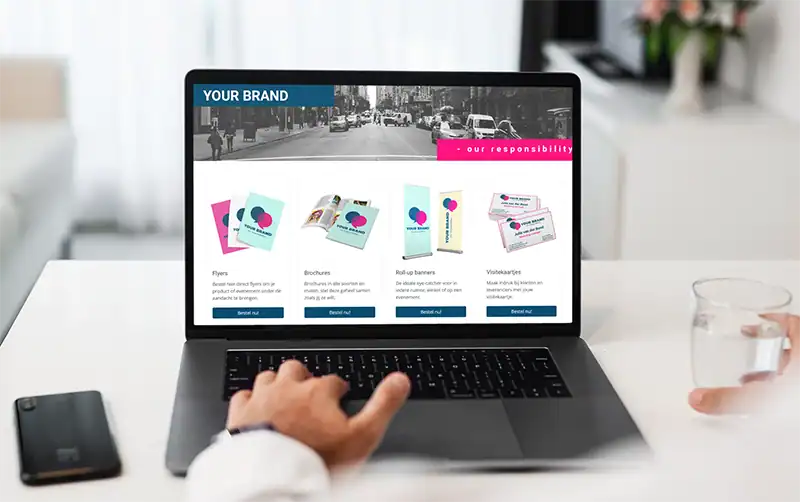
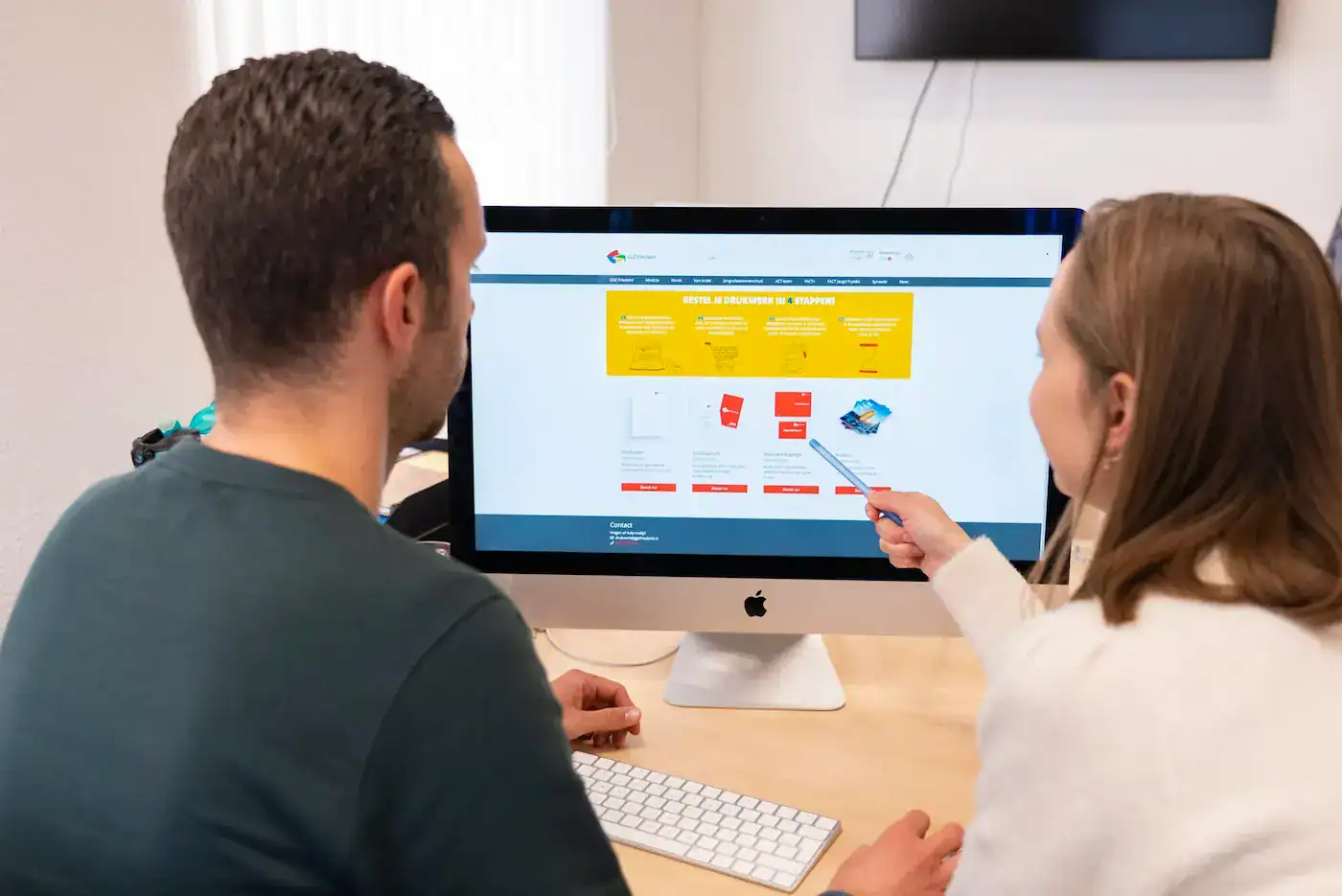
Employees then find the right products and templates in their own portal, tailored to their team, location, or brand. They can personalize materials themselves without ever stepping outside the approved brand identity.

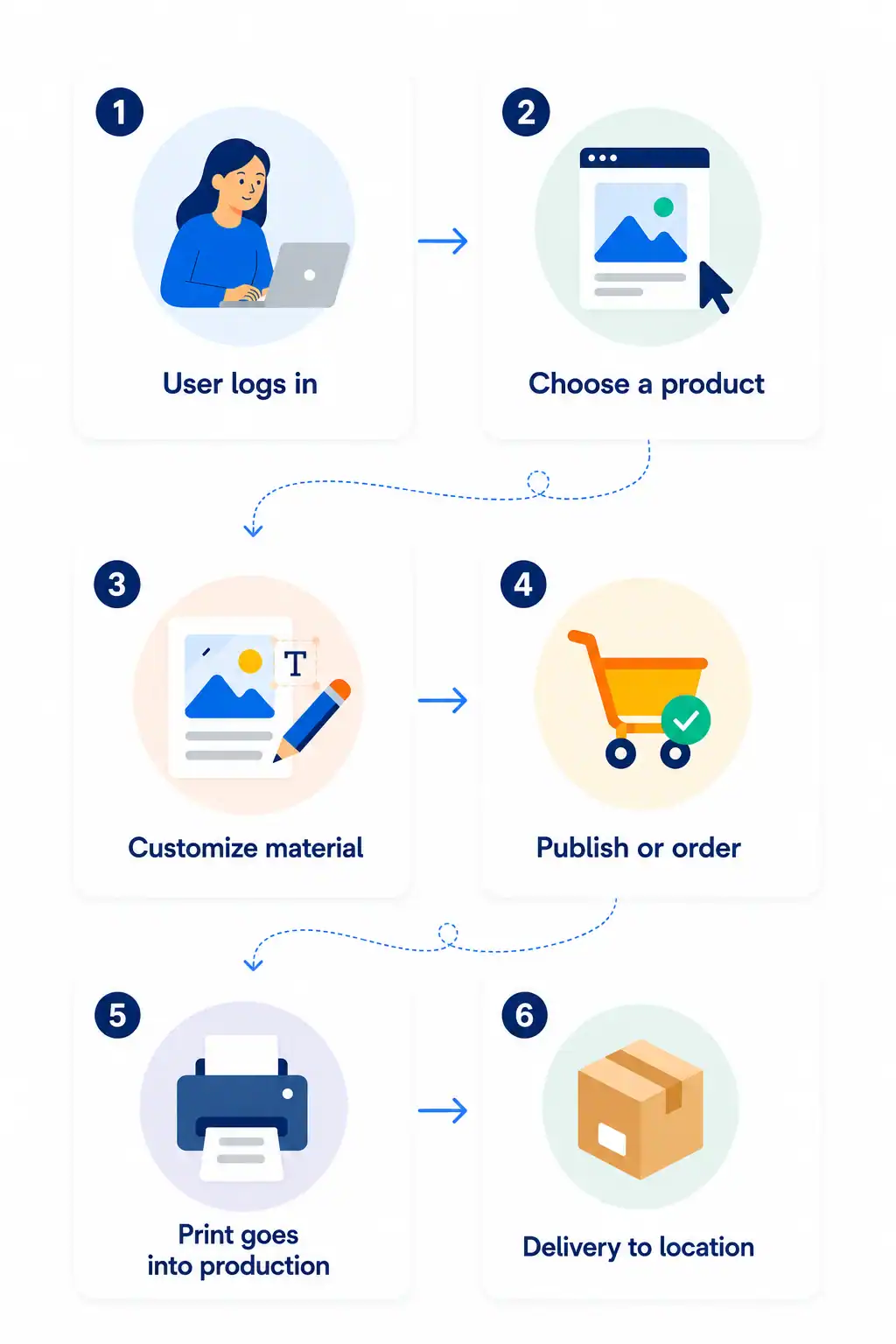
Depending on their role and permissions, users can download the file, publish it, or order it as print. The order then goes straight to the right printer automatically. That way, employees work independently while marketing keeps central control over the brand and the process.

How it works for your team

For employees, it stays simple. They only see what’s relevant to them, and can handle most of it themselves:

  • Log in: every user only sees the products and materials that match their role, team, or location.
  • Find files: through the Media Manager, employees immediately find the right, up-to-date logos, images, and other brand files.
  • Personalize: only the approved parts can be changed, like text, a date, or an image. The brand style and product specs are already locked in.
  • Check: a preflight check reviews the file automatically before it goes to production.
  • Approve: where needed, a design or order first goes to the right person for sign-off.
  • Download or order: the design can be downloaded for digital use or ordered directly as print.
  • Order within budget: optionally, set a budget per user, team, or location.
  • Print production: orders go straight to the right internal or external supplier.
  • Order history: orders, invoices, and repeat orders stay easy to find in the portal.

That way, employees work independently, while marketing keeps control over the brand, the process, and the spend.

What Brandportal users say

"We use the Brandportal as the ordering platform for all our print, with brand templates set up per product and per brand. That means there's always consistency. The templates are ideal for employees to make their own edits without ever losing the brand identity."

Marco KuipersGGZ Friesland

"The templates come pre-set with our fixed brand elements. The logo size is always right, and new text gets slotted into the right spot automatically."

Peter SmitCity of The Hague

Protect your brand without controlling everything yourself

Want to see what a Brandportal could look like for your organization, with your own teams, brands, and product range?

REQUEST A DEMODOWNLOAD WHITEPAPER
Prindustry team developer