Digital Asset Management (DAM) is the centralized management, storage, organization, and distribution of digital assets. These assets can include:
One central source for all digital assets
Digital Asset Management
Store, organize, manage, and distribute digital assets from one centralized DAM platform.
What is Digital Asset Management?
- Images
- Videos
- Logos
- Presentations
- PDF files
- Templates
When do you use DAM software?
Organizations use DAM software to securely store, manage, share, and retrieve digital assets. Teams can collaborate more efficiently, while maintaining brand consistency across all channels.
Key benefits
- Faster access to files and assets
- Consistent brand communication
- Reduced duplication of work
- Rights and license management
- Secure collaboration across teams
- One central source for all digital assets
With DAM software, users always have access to the right assets, in the right place, at the right time.
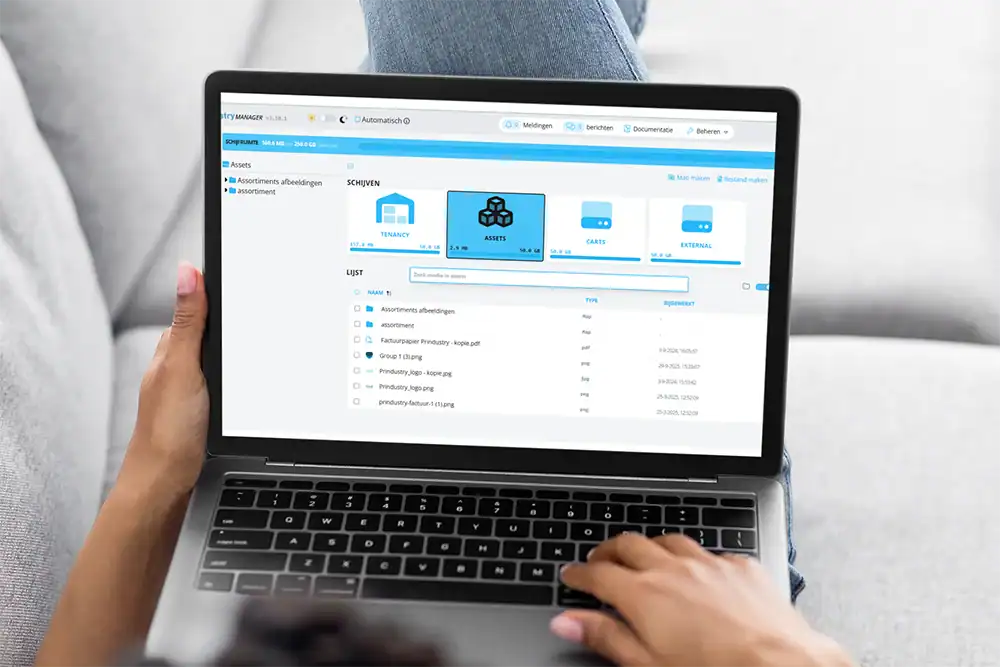
Prindustry Brand Portal with DAM Capabilities
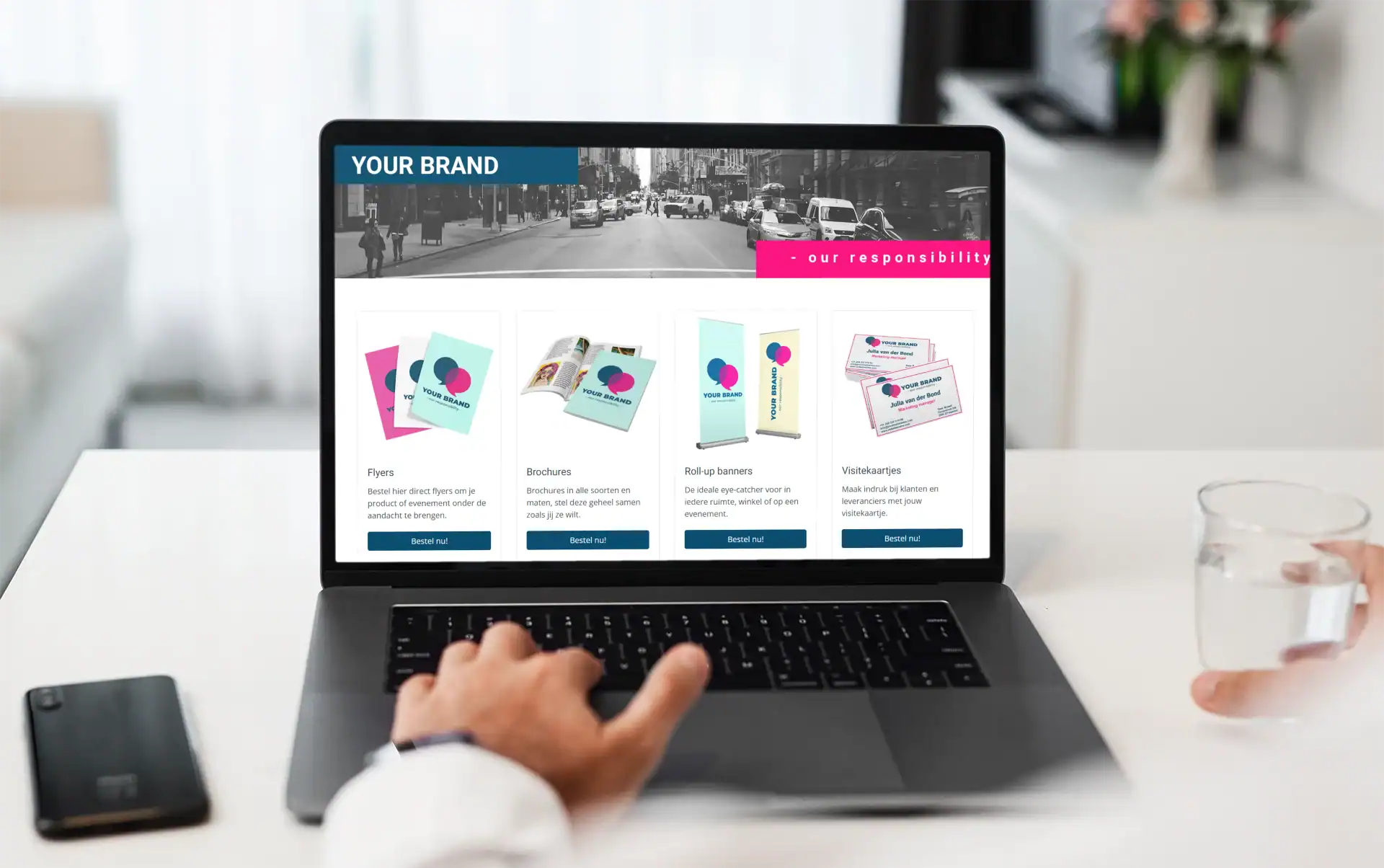
With Prindustry software, you can manage, personalize, and order print products, and digital assets from one platform.
Asset management is not a standalone system, but part of a broader workflow.
Already using a DAM solution? The Prindustry Brand Portal integrates with existing DAM platforms.
Digital Asset Library
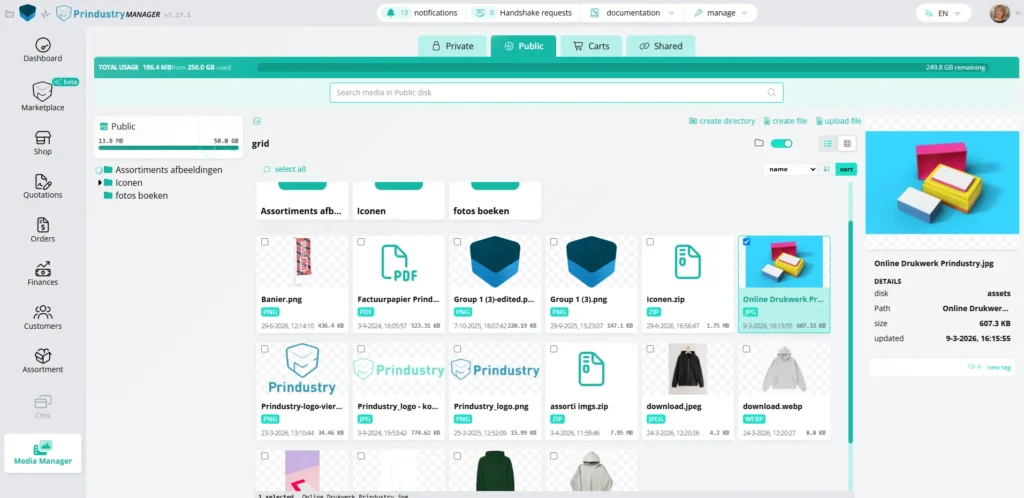
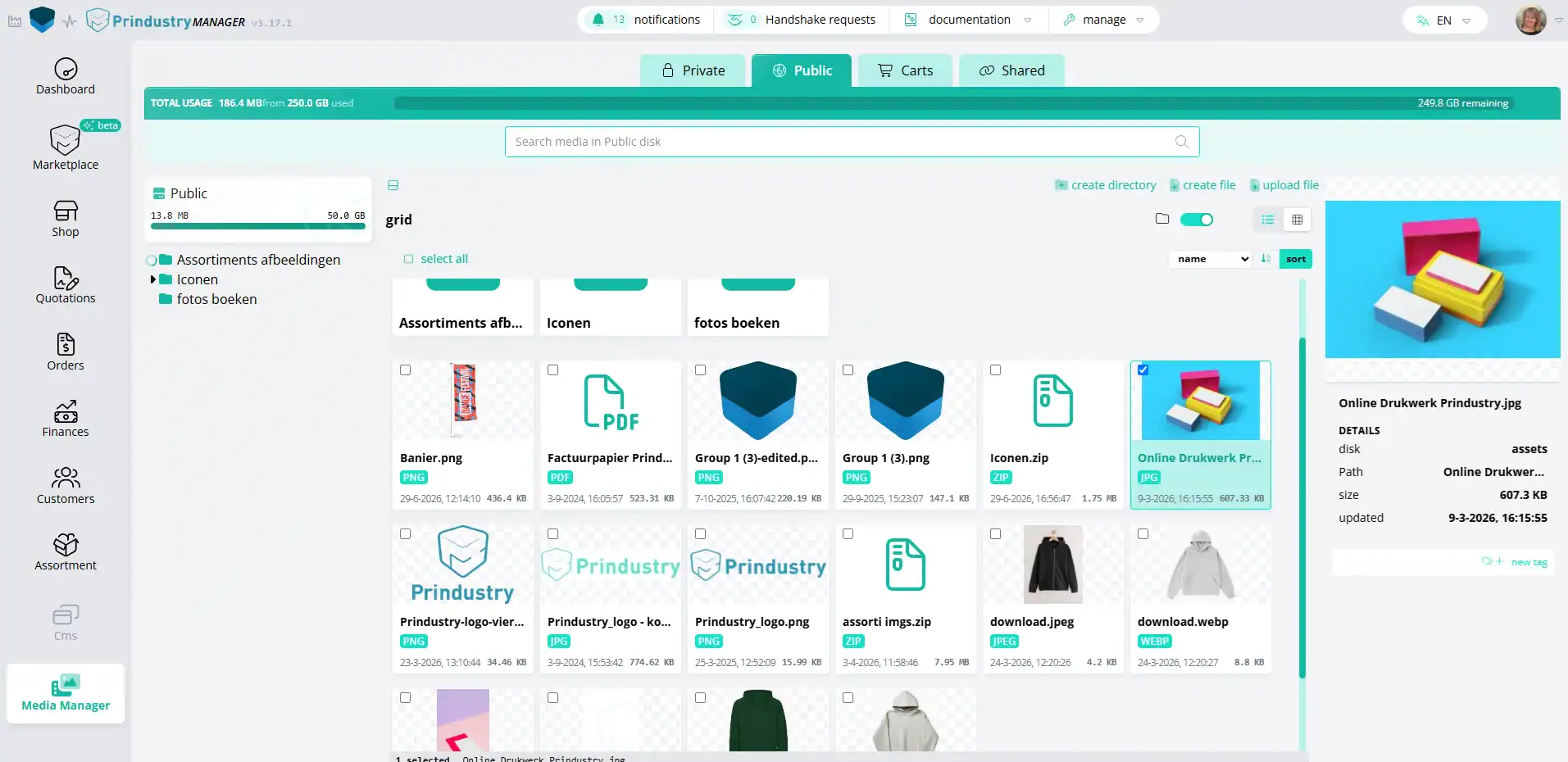
Manage images, videos, documents, and templates from one central location. Organize files using folders, tags, and filters, making it easy for users to find the right content quickly.
Manage and Edit
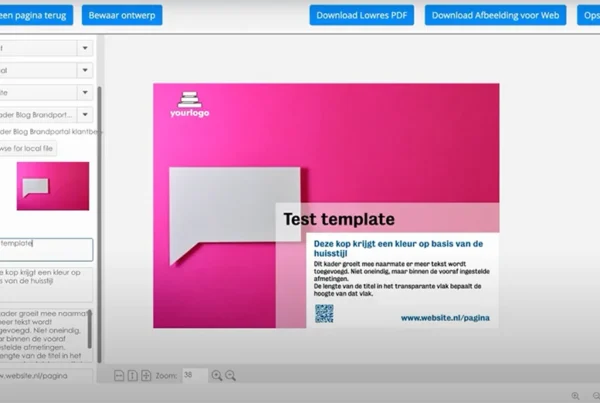
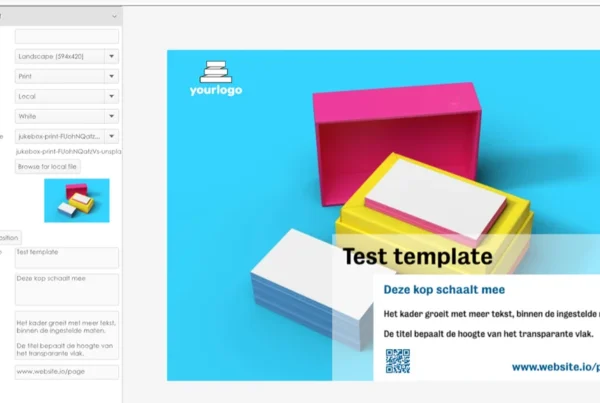
Edit files directly within the platform. With the integrated Media Manager, users can crop, resize, and optimize images without leaving the platform. Access rights and permissions can be managed per user or team.
Assets in Workflow
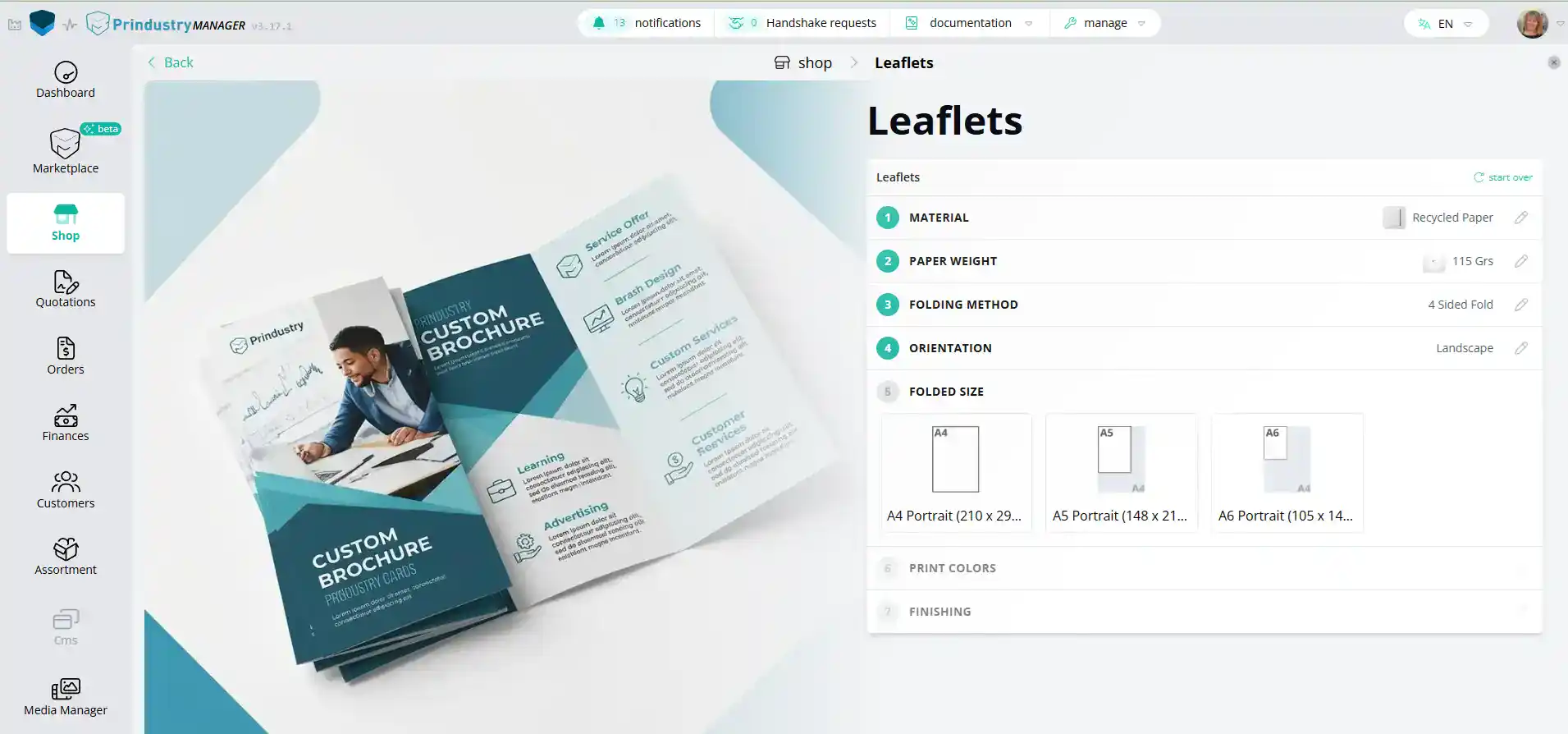
Digital assets are available exactly where they are needed. Easily add files to templates, quotes, orders, and campaigns. Users can personalize materials and place orders directly from the same platform.
DAM vs. Brand Portal: What's the Difference?
A DAM system brings files together centrally and manages them.
A brand portal takes it a step further: with templates and brand guidelines, teams can create and order on-brand content themselves.
The comparison below shows the key differences.
DAM | Brand Portal | Prindustry Brandportal | |
|---|---|---|---|
| Focus | Storing, managing and sharing files centrally | Managing and editing brand materials | Managing, editing and ordering print and digital materials |
| Templates & editing | Limited, or via integrations | Via templates in an online editor | Via templates in an online editor |
| Rights management & metadata | Yes, extensive: licensing, version control and AI-driven metadata | Limited | Limited |
| Ordering | No | Yes, focused on local marketing activities (social, budgets) | Yes, via a print procurement engine: real-time pricing, volume discounts and file checks |
| Asset management | Centralised file storage | Marketing files and templates | Integrated Media Manager |
| Best for | Large volumes of raw media, rights management and omnichannel distribution | Local marketing campaigns within brand guidelines | Print procurement, high print volumes and the complete ordering process |
Swipe sideways to see all columns →
Which DAM Software is available?
There are various types of Digital Asset Management software. Some solutions focus entirely on managing and sharing digital assets, while others combine DAM functionality with brand management, templates and other features. Below you’ll find a selection of well-known DAM and brand portal solutions.
Bynder
Cloud-based DAM software for managing, organising and sharing digital assets in one central location.
Canto
DAM platform for organising, searching, managing and sharing digital content.
Brandfolder
DAM software (part of Smartsheet) for organising, sharing and analysing digital assets.
WoodWing Assets
DAM software for managing media files and supporting creative workflows.
Pimcore
Platform that combines Digital Asset Management and Product Information Management, among other capabilities.
Marvia
Brand management solution that combines Digital Asset Management with tools for managing and distributing brand content.
Frontify
Brand management platform combining brand guidelines, DAM and templates for creating on-brand content.
Prindustry Brandportal
A brand portal with DAM functionality for managing files, templates and brand content, as well as ordering print and communication materials.

Frequently Asked Questions
What is Digital Asset Management (DAM)?
Digital Asset Management (DAM) is software that enables organizations to centrally manage, organize, store and share digital assets. These include images, videos, logos, documents, presentations and other marketing materials. Users always have access to the right files, in the right place and in the correct version.
A DAM system uses metadata, tags and powerful search functionality to make digital assets easy to find, manage and reuse. This improves collaboration and gives organizations greater control over their digital content.
What is a DAM system used for?
A DAM system is used to centrally manage and distribute digital assets across teams, departments, offices and external partners. Organizations use DAM software to organize images, videos, logos, documents, brand assets and marketing assets in one secure location.
This helps organizations work with up-to-date files, prevent duplicate content and make digital assets easier to find, share and reuse.
What are the benefits of DAM software?
DAM software centralizes digital asset management with features such as version control, metadata, user permissions and advanced search functionality. This enables organizations to find, manage and share digital assets more efficiently.
The result is less time spent searching for files, fewer duplicate assets and better control over brand and marketing content.
What types of files can you manage in a DAM system?
A DAM system can manage virtually any type of digital asset, including images, videos, logos, documents, presentations, templates, brochures, social media graphics and other marketing materials.
All assets are stored in one central location and enriched with metadata, making them easy to search, organize and reuse across the organization.
What is the difference between a DAM system and file management?
File management focuses primarily on storing and organizing files. Digital Asset Management goes further by providing metadata, tags, version control, user permissions, advanced search capabilities and workflow support.
As a result, organizations can not only store digital assets but also manage, distribute and reuse them more efficiently across marketing, communication and content workflows.
What is the difference between a DAM system and a Brand Portal?
A DAM system focuses on centrally managing and sharing digital assets. A Brand Portal goes beyond file management by supporting brand management, branded templates, communication workflows, user permissions and ordering processes.
Many organizations use a Brand Portal as a central environment where Digital Asset Management is combined with brand management and the distribution of marketing materials.
When should you combine a DAM system with a Brand Portal?
Organizations combine a DAM system with a Brand Portal when they want to centrally manage digital assets while also enabling users to personalize, order and distribute marketing materials within predefined brand guidelines.
Combining Digital Asset Management with a Brand Portal gives users access to approved assets, branded templates and streamlined workflows from one central platform.
What should you look for when choosing DAM software?
When choosing DAM software, it is important to consider features such as centralized storage, metadata, version control, user permissions, advanced search functionality, integrations and ease of use. The ability to connect digital assets with brand management, templates and workflows is also an important consideration.
Popular DAM solutions include Bynder, WoodWing Assets, Pimcore and Canto. Some Brand Portal platforms, including the Prindustry Brand Portal, also include integrated DAM functionality for managing and distributing digital assets.
DAM in Practice
How do you maintain control over logos, campaigns, posters, and marketing materials when multiple locations work independently?
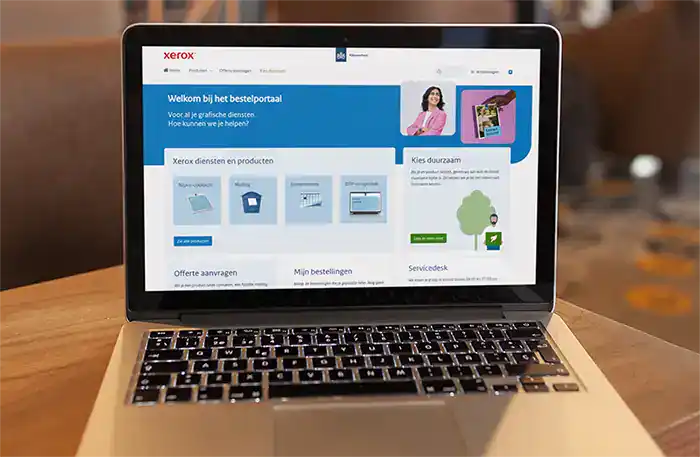
Prindustry ordering platform for the Dutch central government
Prindustry ordering platform for the Dutch central government
Municipality of The Hague makes print accessible and sustainable with Prindustry Brand Portal
Municipality of The Hague makes print accessible and sustainable with Prindustry Brand Portal
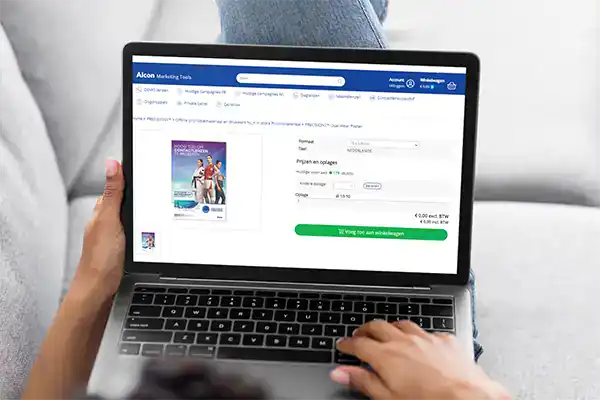
Altorffer and Prindustry join forces for order portal Alcon
Altorffer and Prindustry join forces for order portal Alcon
Ready to get more from your digital assets?
Discover how the Prindustry Brand Portal combines DAM capabilities with brand management, templates, and ordering workflows.